Lean Security Expert Lean Security Expert

4 Ways Your Computer Can Be Exposed To Malware While Working From Home

Work from home has become increasingly common, but so have the threats associated with it. Here is how you may be vulnerable.

The pandemic has given a massive boost to the digital industry. Businesses of all kinds are struggling to create an online presence, and many have delegated tasks to their employees online. Work from home is a widespread phenomenon now as it comes with its own set of advantages. For example, it saves travel costs, you don't need an office to work in, and employees can work when they're unwell at home or even outside working hours.

However, with this increased opportunity have come increased security threats.

What is Malware?

Malware is a type of software that is meant to harm your existing setup—whether hardware or software. Viruses, spyware, ransomware are all examples of malware. The purpose of malware is to assist a hacker in conducting a cyberattack.

spyware.jpg

According to statistics, several cyber attacks were carried out last year, which calls for cyber solid security nets.

How is Your Computer Vulnerable?

Working from home means working on smaller, private systems that may be more vulnerable to attack. Here are four ways in which your computer is at risk of malware.

Issues With Home Computers

Computers at home are less impersonal and less dedicated to work as compared to those in the office. These computers can easily be accessed by other people at home who may access various malware-prone websites.

Lack Of Security

Generally, computers at home have weaker passwords and fewer checks, making them more vulnerable to exploitation by hackers.

Lack of Inspection

Computers at work are dedicated to a particular cause, and some workplaces may even regularly survey their network system for any faults or troubleshooting. This is not possible to do with employees' computers, making it less likely to find and resolve privacy issues in time.

Unsecured Wifi Access

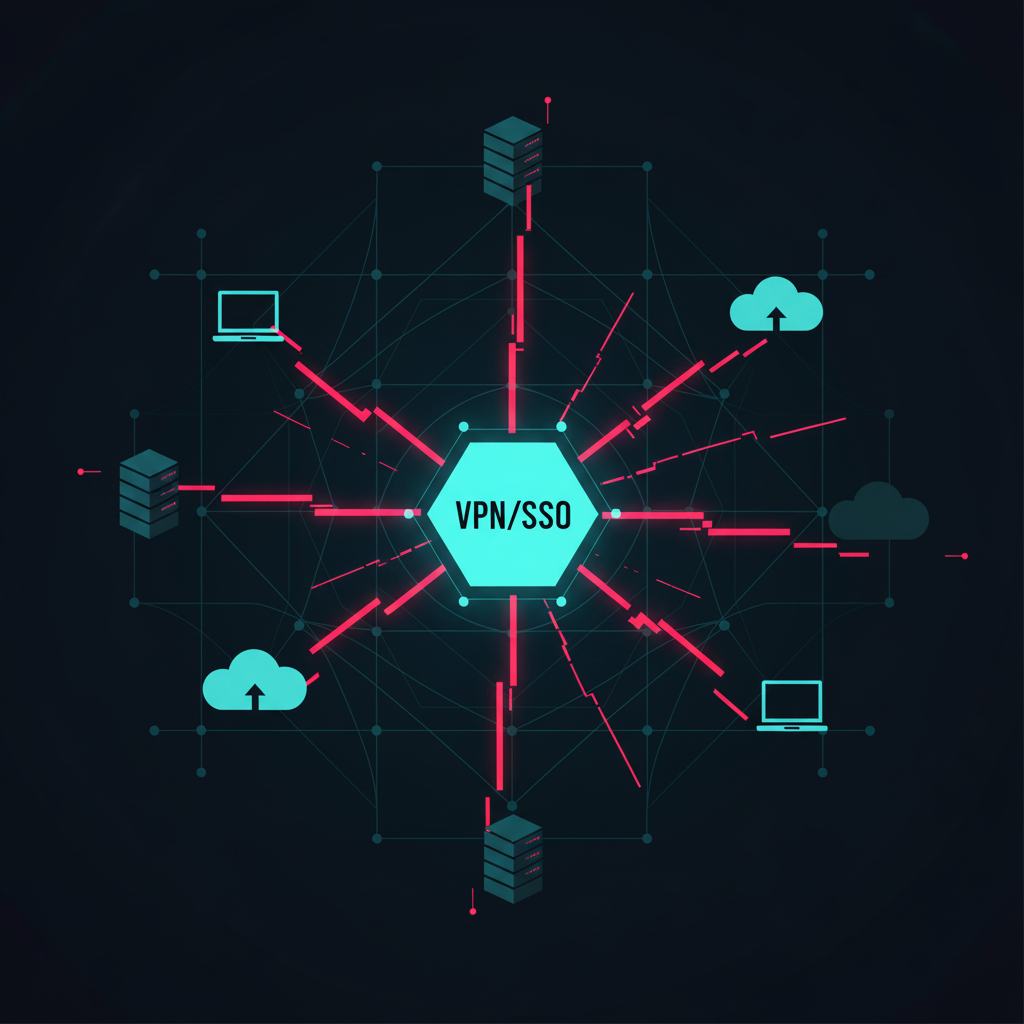
Wifi networks and VPN security at home are generally unchecked; this can become a way for hackers to invade a setup and disrupt it.

What Can You Do About It?

Secure Home Wifi

Start by securing your network with a strong password. Then ensure that you have enabled network encryption and are running the latest version of your device.

Use Antivirus and Security Software At Home

A comprehensive antivirus and security software can be an excellent investment for any business. Cyber attacks can cause losses of billions of dollars, and this investment is prevention for any such attack.

Dedicate Devices For Work

Dedicated devices are excellent for maintaining the privacy and can be a worthy investment in the long run.

Hire Professional Security Options

Finally, you can hire professionals to devise a security plan for yourself and your business. At Lean Solutions, we help you do exactly that. Reach out to us and avail of our security testing service. We also provide infrastructure vulnerability scanning service, managed Internal vulnerability scanning, manual application penetration testing services for our clients.

Read More
mobile app security Lean Security Expert mobile app security Lean Security Expert

Ways You “Agreed” To Privacy Invasion Through Apps On Your Phone

Privacy of data is a big concern in the Information Age. Here is how you may be giving it away on your phone.

Our concerns about our data and privacy are becoming more and more serious as companies and educational, and healthcare facilities continue shifting online. Applications and software we love to use for 'free’ do not provide free services and use our data and information to their advantage. And this doesn’t happen entirely without our consent. As we continue to download all the applications that make our smartphones smarter, we inevitably share our valuable information like our contact lists, location and media files.

What Is Privacy Invasion?

Australian Law identifies some fundamental principles of online privacy. These principles include collecting data through non-intrusive means, non-disclosure of personal data to third parties, protecting the collected data from any theft, and destroying the data once it has been used.  Any violation of these may lead to privacy invasion.

How Do Phone Applications Invade Privacy?

Phone applications usually ask for your permission before they can access your phone. Some of these conditions are expanded on under 'terms and conditions.’ Sometimes, permission is sought once the application has been downloaded.

For example, applications may ask you to allow access to your location, media files, microphone, etc. Most of the time, these applications and permissions are relevant, and much needed to function. For example, a cab service may need access to your location. However, some permission may be riskier.

According to research, some applications may go as far as accessing your phone’s motion sensors and even trick users into granting permission and access indirectly. This data can prove dangerous because it may be compiled and sold to third parties who may be hackers.

In such circumstances, each phone application is like spyware in its ways and may need security testing to ensure potentially dangerous third parties do not access your data.

What Can You Do To Overcome It?

The dangers of allowing unhindered access to your phone are apparent. Data is the most valuable currency in the current day, and allowing unlimited access to it may endanger your security and that of your business.

You can take the following steps to ensure safety:

Delete Old Applications

Ensure you delete any unwanted applications from your phone to prevent them from unnecessarily accessing your data.

Don’t Install More Applications Than You Need

All of your applications are lying there in your phone and transferring your data to marketers. Therefore, do not be tempted to install applications you don’t intend to use—you’re giving away your data for free!

Check Your Applications’ Permissions

Ensure you are familiar with how your applications share your data and how private they are about it. Make sure you change settings in your phone about data sharing that you don't like, and if you don't have that option with a specific app, beware of its potential threat.

Hire Professionals for Vulnerability Testing

Hire professionals to ensure your data’s safety. Lean Security is an IT solutions firm that offers security testing, penetration testing services, and mobile application security assessment. Let our professionals handle your online security for you.


Read More
Lean Security Expert Lean Security Expert

Tips to Improve Your Vulnerability Scans

This blog post will explain how you can improve your cyber security scans.

A slight flaw in your network’s security can cost you huge sums of money and damage your reputation in the eyes of your clients. However, by improving your vulnerability scans, you can keep yourself and your customers safe from cyber criminals. This blog post will explain how you can improve your cyber security scans.

Understand Your Needs

Before you start with vulnerability scans or penetrations tests, it’s very important to understand the needs of your business security network. You should be able to decide whether you want to opt for
authenticated scans or non-authenticated scans. Similarly, you should also make a list of your network hosts, databases, and relevant mobile and web applications that may require scanning.

Levels of Scan

You must be aware that there are different user level roles in a network. These include basic roles, managerial roles, administrative positions, and others.

For vulnerability scans, you have to choose the levels of scanning. Cybersecurity experts suggest that you should at least opt for scanning at the administrative levels to identify the maximum number of flaws. The more you scan, the better your chances of identifying potential threats to your network.

Start with Fewer Systems

 Before you perform vulnerability scans across your business network, it’s better to start with some systems. Once you are certain that your vulnerability scans are effective and free from any potential issues, you can perform the scan throughout your network. Sometimes, scanning can lead to certain problems such as locking your accounts, loss of data, increased disk consumption, etc. To avoid such problems, experts always start with performing a test vulnerability scan on a few systems. They only proceed to your business network once they’ve evaluated the potential side-effects of the scan.

Set up User Accounts Before Scanning

 It’s better to set up multiple user accounts before performing a vulnerability scan on your network. While doing so isn’t mandatory, it can help you save time. It allows the scanner to easily log in without being asked to change the password. However, if you don’t do so, then you’ll have to input passwords manually, slowing down the process.

At Lean Security, we are providing automated scanning services that are fast, reliable and extremely helpful in enhancing your cyber security. Our clients can choose from both authenticated and unauthenticated assessments, depending on their needs. We offer web application penetration testing and external network penetration testing, among our other services.

Read More
Lean Security Expert Lean Security Expert

Common Web Security Vulnerabilities and How to Fix Them

Many people are unaware of some common security vulnerabilities in their network. Read on to find out more:

Cybercrimes are on the rise since the outbreak of the pandemic because most businesses have shifted online. Cybercriminals are developing new tools everyday and hunting for any soft targets with vulnerabilities in their network. This blog post will highlight some of the common vulnerabilities that might exist in your web security, and also suggest ways you can fix them.

Injection flaws

Injection flaws are a very common issue with most websites and it’s usually a result of not filtering out untrustworthy inputs to your website. In other words, when you let unfiltered data pass through to the SQL server, to the LDAP server, to the browser, or anything else associated with your website, it enables hackers to inject whatever commands they wish and hijack your network.

You can easily prevent this from happening by making sure that you filter out all the input data from any untrustworthy sources. And remember, you must filter all of it because you never which one is sent from a hacker.

Vulnerability of Your Data  

Your data is very important and any breaches in security can cost you money as well as your reputation. It’ your responsibility to prevent hackers from accessing any data on your website. Hackers can access any private information of your customers, and sensitive information such as credit card details.

However, performing vulnerability tests, encryption, and hashing can keep your data secure and safe from any cyberattacks. If you have any transit data, you must use secure HTTPS connections, as well as secure flags on all cookies on your website.

Misconfiguration of Your Web Server and Application

Often, people use default passwords or unnecessary services on their devices. This can put you at great risk of cyber-attacks. Similarly, obsolete, outdated, and unknown software and applications can also leak your information and allow hackers to breach your security.

To prevent this, make sure that you are using a legitimate build and deploy script. Always set different and strong passwords for different applications and refrain from installing unnecessary applications from questionable sources on your device. If you aren’t sure which applications can be dangerous, consult a cyber-security expert for guidance.

At Lean Security, we offer an extensive range of cyber security solutions and excellent customer service. Find out more about our comprehensive web and mobile application security testing services and other IT solutions for all types of businesses at affordable prices.

Read More
Lean Security Expert Lean Security Expert

How to Improve Your Security Plan

Protecting data from damage is extremely important for a business. Here’s how you can create a strong security plan for your business.

How-to-improve-your-security-plan.jpg
Read More